
The most dangerous delivery failure is the one that doesn't show up as a failure. When a message hits a dead number, you usually get a clear "failed" status back. But a large share of undelivered marketing traffic disappears silently — filtered by a carrier, dropped on a grey route, blocked by a spam engine — and returns a "delivered" or ambiguous status that makes your dashboard look healthier than reality. That gap between what your report says and what actually reached a phone is where campaigns quietly lose money, and it's the part most "why messages fail" articles never mention.
So this is organized to be useful when something is actually wrong: not a flat list of causes, but the failures grouped by where they originate — the recipient's number, your list and consent, your content and configuration, and the routing layer beneath it all — with how to diagnose and prevent each. Because the fix for a bad number is nothing like the fix for a blocked sender ID, and knowing which one you're facing is the whole game.
First, Understand What Your Delivery Report Is Telling You
Before diagnosing anything, you need to read the signal correctly. Carriers return delivery receipts (DLRs), and the status code tells you a great deal about the kind of failure — if you know how to interpret it.
A "failed" or "undeliverable" status points to a problem at the recipient's end or with the number itself. An "expired" status means the message couldn't be delivered within its validity window. "Rejected" often points to content, sender, or routing problems. And a "delivered" status should mean it reached the handset — but on unreliable routes, a fake or spoofed "delivered" can mask a message that never arrived. Reading these codes is the foundation of troubleshooting; the detail available through proper delivery reports is what separates guessing from diagnosing.
DLR status | Usual meaning | Points to |
Delivered | Reached the handset | (Verify on trusted routes — can be faked on grey routes) |
Failed / Undeliverable | Couldn't reach recipient | Bad, landline, or suspended number |
Expired | Not delivered in validity window | Phone off, out of coverage |
Rejected | Blocked before delivery | Content, sender ID, or routing issue |
Accepted / Enroute | In transit, not yet confirmed | Wait for final status |
With that reading framework in place, here are the failure categories.
Category 1: Problems With the Recipient's Number
The most common and most fixable failures come from the number itself.
Invalid or incorrect numbers. Data entered wrong, missing a country code, or mistyped at capture. These return a hard failure immediately. The fix is upstream: validate numbers at the point of collection and clean your list before sending.
Landline numbers. Landlines don't support SMS, so texts to them fail every time. In a mixed list built from various sources, landlines creep in. Filtering them out — which number-validation tools do automatically — removes a predictable source of failure.
Discontinued or reassigned numbers. People change numbers. A number that worked a year ago may be disconnected or reassigned to someone else. Sending to dead numbers not only fails but wastes spend, and sending to reassigned numbers risks reaching the wrong person entirely.
Phone off or out of coverage. An SMS has a validity period — commonly up to 48 hours — during which the network retries. If the handset stays off or out of coverage past that window, the message expires undelivered. This is usually transient and self-resolves on the next send; it's rarely worth chasing.
Suspended mobile service. If the carrier has suspended the recipient's service, messages won't land until service resumes. Unlike a dead number, this is temporary — the same number may deliver fine later.
The tool that pre-empts most of this category is an HLR lookup, which queries the network to check whether a number is valid, active, and reachable before you send. Running an HLR check on a list strips out invalid, landline, and inactive numbers in advance, cutting your failure rate and your wasted spend at the same time. It's the single most effective preventive step for number-related failures.
Category 2: Consent and Regulatory Blocks
These failures aren't technical — the number is fine, but the recipient or the regulator has blocked the traffic. Treating them as technical problems is a common mistake; they're permission problems.
The recipient opted out. Once someone replies STOP or otherwise unsubscribes, you're legally barred from sending them promotional messages, and the platform will block the attempt. This isn't a failure to fix — it's a boundary to respect. Continuing to try is both futile and a compliance violation.
DND (Do Not Disturb) registration. In many countries, subscribers can register on a Do Not Disturb / national blocklist that stops promotional traffic. A message to a DND number returns failed. The nuance most senders miss: in regimes like India's, registered transactional and consented traffic can often still reach DND numbers through the proper framework, while unregistered promotional traffic can't. Handling DND numbers correctly is about routing consented and transactional messages through the sanctioned channels, not about trying to bypass the block.
Sender ID blocked. A recipient — or a carrier — may block a specific sender ID. If individuals are blocking you, examine why: frequency, relevance, or consent problems usually underlie it. If a carrier has blocked your sender ID, that's a registration or reputation issue that needs addressing at the source.
Sent outside permitted hours. Many jurisdictions restrict promotional messaging to set hours (commonly around 9 a.m.–9 p.m. local). Messages sent outside that window can be rejected or held. Schedule sends within permitted local hours for the recipient's time zone — not the sender's.
Category 3: Content and Configuration
Here the number and consent are fine, but something about the message triggers a block.
Disallowed characters. Certain characters can break message encoding or trip carrier filters, causing rejection. This ties directly to encoding: a message mixing standard and special characters may be mishandled. Understanding how Unicode encoding works helps you avoid characters that fragment or reject a message — and explains why a text that looked fine failed on send.
Prohibited content. Carriers block messages referencing adult content, drugs, illegal activity, and other restricted categories outright. Some legitimate industries also face content filtering (certain financial or pharmaceutical terms trigger filters). If a specific message keeps getting rejected while others deliver, the content is the first suspect.
Sender ID misconfiguration or non-registration. In markets requiring registered sender IDs, an unregistered or misconfigured sender ID gets rejected before it reaches anyone. This is a setup problem, not a per-message one — fix the registration and the whole category clears.
Category 4: The Routing Layer (The Hidden One)
This is the category that explains the silent failures — messages that vanish while your report looks fine — and it's almost entirely absent from standard "why messages fail" articles.
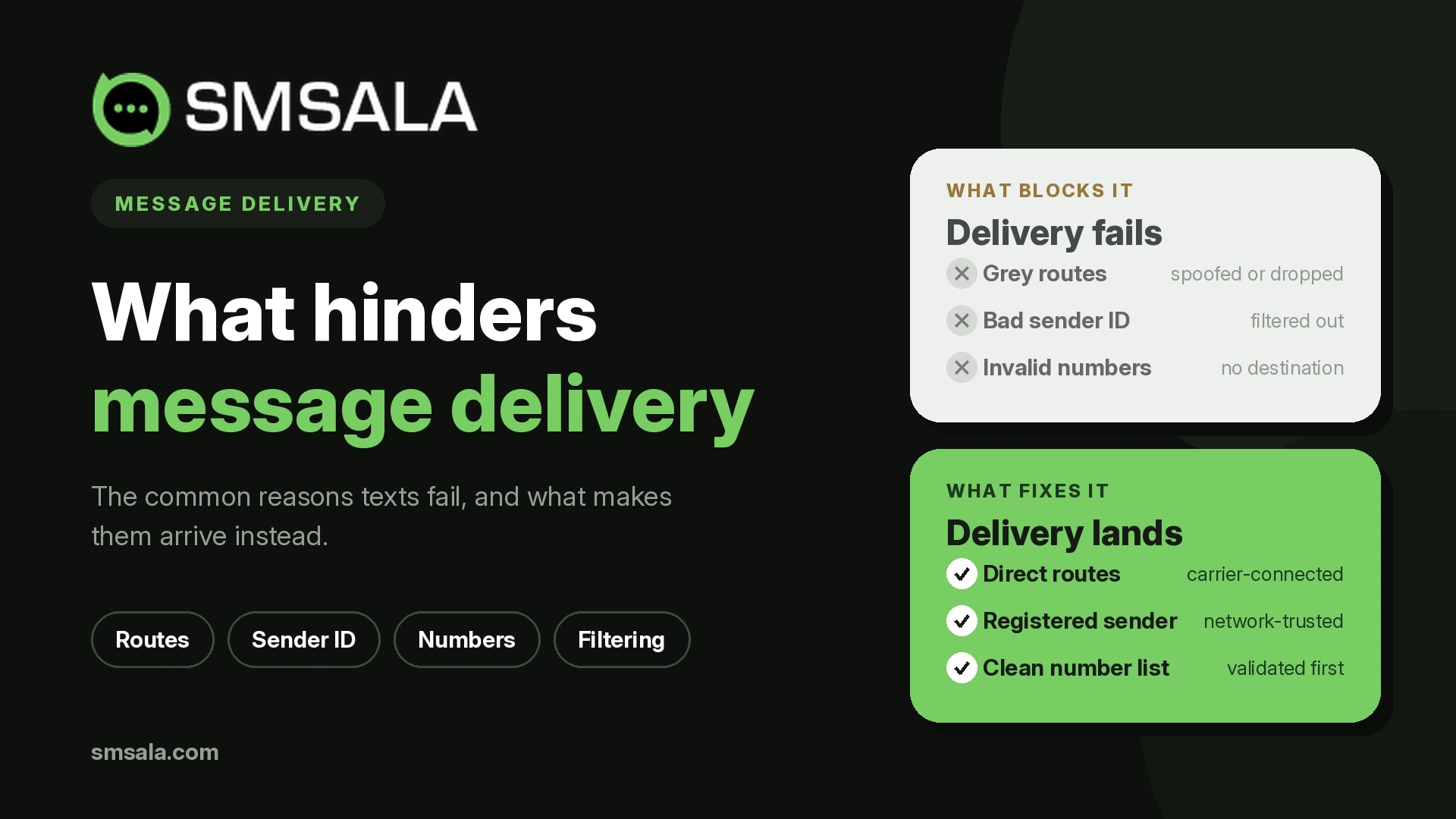
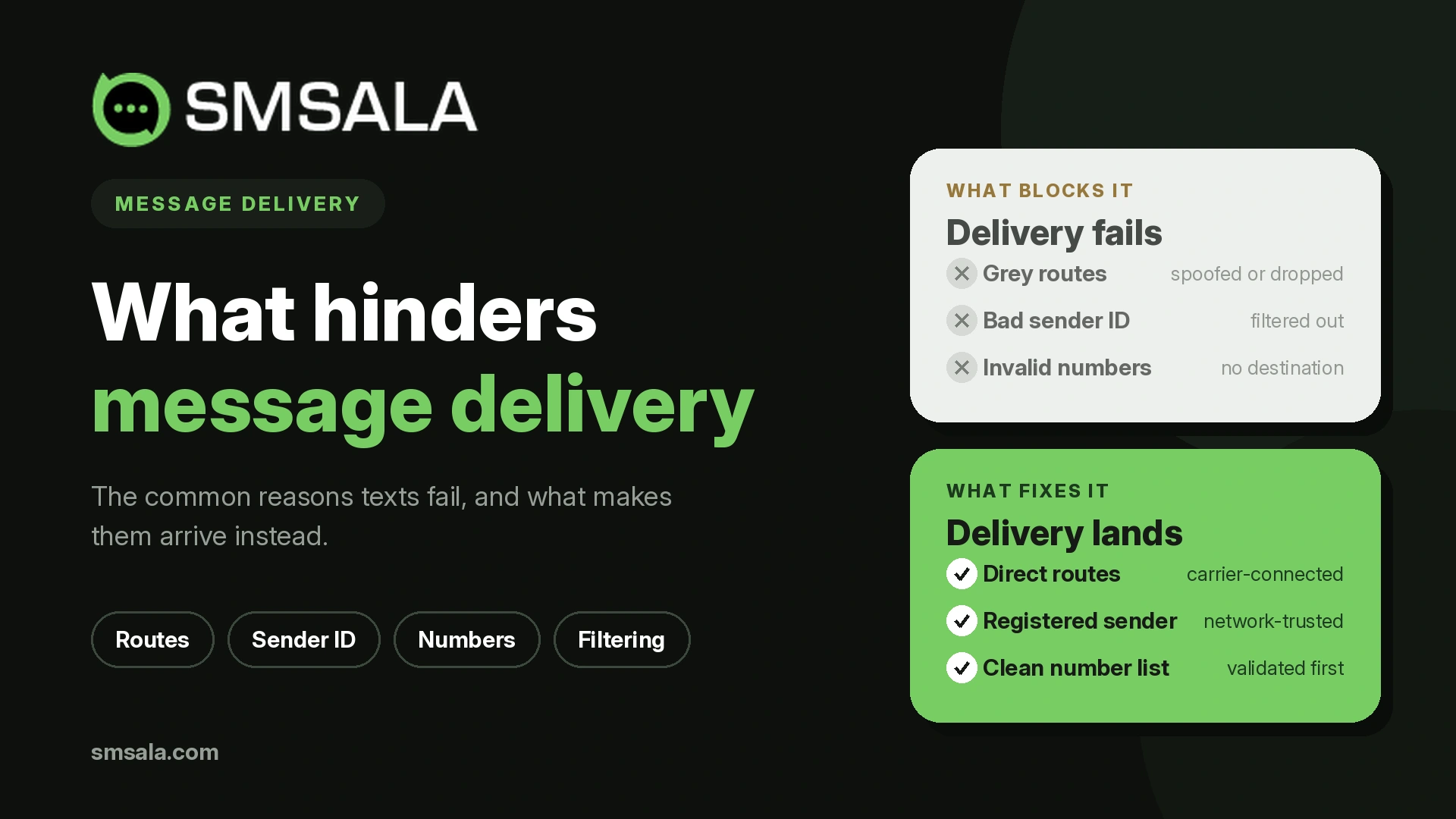
SMS traffic reaches recipients through carrier routes, and not all routes are equal. Grey routes are unofficial, cost-cutting paths that bypass proper carrier agreements. They're cheaper, which is why some providers use them, but they're unreliable: messages get dropped, delivery receipts get faked, and delivery is inconsistent by geography and carrier. A message sent on a grey route can return "delivered" while never reaching the handset — the worst kind of failure because it's invisible.
The distinction between direct and grey routes is the difference between delivery data you can trust and data you can't. Legitimate direct routes, sanctioned by carriers, deliver reliably and return accurate DLRs. If your delivery rates are inexplicably poor, or your reports look good but customers say they never got the message, the routing layer is the place to investigate — and often the reason to question your provider.
This is why "our platform shows 98% delivered" is meaningless without knowing the route quality behind it. Trustworthy delivery reporting depends on trustworthy routing underneath.
A Diagnostic Workflow
When delivery drops, work through the layers in order rather than guessing:
Read the DLR codes. What kind of failure dominates — failed, expired, rejected? The status points you to the category.
If mostly "failed": suspect the numbers. Run an HLR lookup, clean the list, filter landlines and dead numbers.
If mostly "rejected": suspect content, sender ID, or timing. Check for prohibited content, verify sender ID registration, confirm you sent within permitted hours.
If "expired": usually transient (phones off/out of coverage) — often self-resolves; not worth chasing.
If reports look fine but recipients didn't receive: suspect the routing layer. Investigate whether traffic is going via grey routes, and question the provider.
Check consent state: opt-outs and DND registration will always fail and shouldn't be retried.
Working top-down like this stops you from cleaning your list (fixing category 1) when the real problem was the route (category 4).
What Prevents Most Failures Before They Happen
The bulk of delivery problems are preventable with a few upstream habits: validate numbers at capture and run HLR checks before large sends; keep consent and opt-out records clean so you're not sending to people who'll bounce; register sender IDs where required; schedule within permitted local hours; and — the one that governs everything else — send through a provider on legitimate direct routes rather than cheap grey ones.
That last point is the quiet determinant of deliverability. You can do everything else right and still lose messages to a bad route, and you'll never see it in a naive delivery report. A provider like SMSala that uses direct carrier routes and returns accurate carrier DLRs gives you delivery data you can actually act on — which is the prerequisite for diagnosing everything above. Reliable delivery starts with a reliable path to the carrier; everything else is cleanup on top of that.
FAQ
Why does an SMS show "delivered" but the recipient never got it?
This usually points to a grey route — an unofficial, cost-cutting path that can return faked delivery receipts. The message reports as delivered while never reaching the handset. It's the hardest failure to catch because your dashboard looks healthy. Sending through legitimate direct carrier routes, which return accurate delivery receipts, is the fix.
How can I reduce SMS delivery failures before sending?
Validate numbers at the point of capture and run an HLR lookup before large sends to strip out invalid, landline, and inactive numbers. Keep opt-out and DND records clean, register your sender ID where required, and schedule sends within permitted local hours. Most failures are preventable upstream rather than diagnosed after the fact.
What does an "expired" delivery status mean?
It means the message couldn't be delivered within its validity window — commonly up to 48 hours — usually because the recipient's phone was switched off or out of coverage the whole time. The network retries during that window, then marks it expired. This is typically transient and often resolves on the next send.
Why do messages fail to reach DND-registered numbers?
Do Not Disturb registration blocks promotional traffic to those numbers. However, in frameworks like India's, properly registered transactional and consented messages can often still reach DND numbers through sanctioned channels, while unregistered promotional traffic is blocked. The solution is routing consented and transactional messages through the correct regulatory framework, not bypassing the block.
How do I tell whether a delivery problem is my list or my provider?
Read the DLR codes. A high rate of "failed" statuses points to number problems in your list — clean it and run HLR checks. But if reports look healthy while recipients report not receiving messages, or delivery is inexplicably poor on certain networks, the routing layer and your provider are the likely cause.