
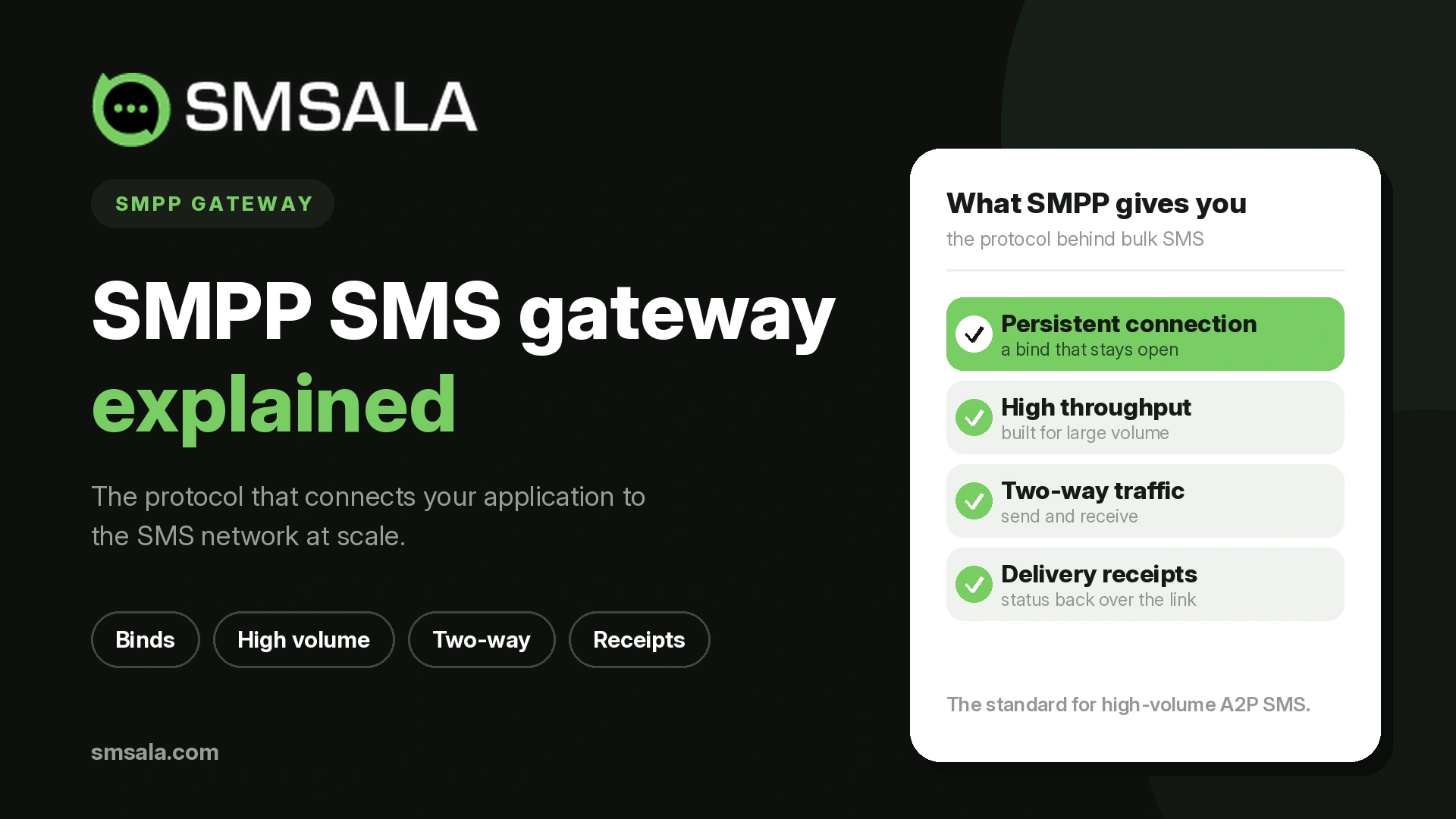
If you send a few hundred texts a month, a simple HTTP request to a provider is all you need. Once you are pushing millions of messages, running one-time passwords with tight delivery windows, or receiving replies at scale, that approach starts to strain. This is the point where SMPP enters the picture, and where the term "SMPP SMS gateway" starts appearing in provider documentation.
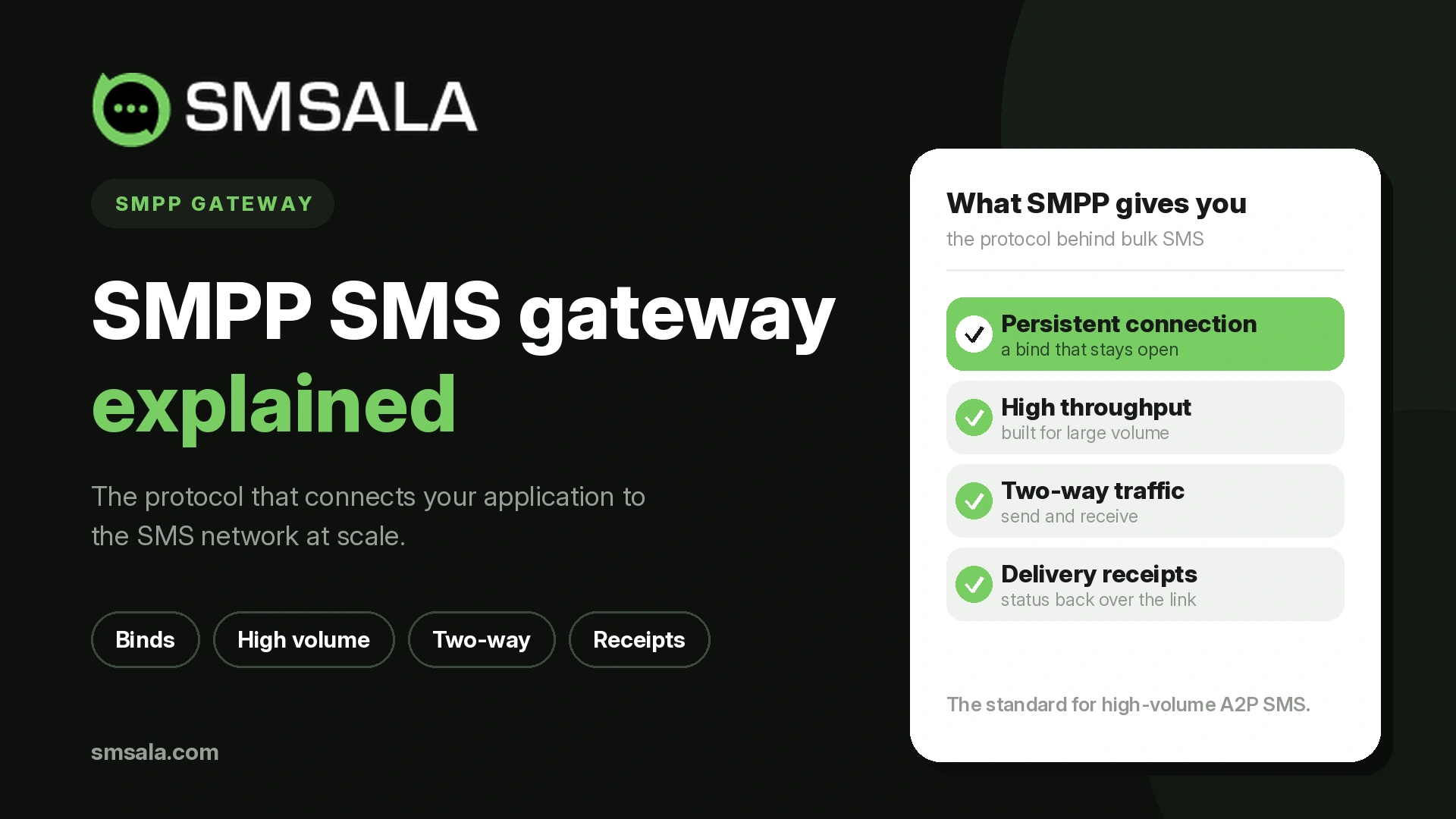
This guide explains what SMPP actually is, how an SMPP gateway works, what a connection involves, and how it compares with a standard HTTP API so you can tell whether your business needs one.
What is SMPP?
SMPP stands for Short Message Peer-to-Peer. It is an open, industry-standard protocol built specifically for transferring short message data between an application and the messaging infrastructure that delivers it. Where an HTTP API is a general-purpose web interface adapted for sending texts, SMPP was designed for messaging from the ground up, which is why carriers and large aggregators have relied on it for decades.
An SMPP session runs as a persistent connection over TCP/IP between two roles. On one side is the ESME, or External Short Messaging Entity, which is your application. On the other is the message center, historically called the SMSC (Short Message Service Center), operated by a carrier or a provider. That connection stays open, so messages flow continuously in both directions rather than opening a fresh request for each one.
Three versions are in circulation. SMPP v3.4, published in 1999, is the one most gateways run today. It introduced the transceiver session and tag-length-value fields that carry optional parameters. Version 3.3 (1997) is older and lacks the transceiver mode. Version 5.0 (2003) added capabilities such as cell broadcast, but it never saw wide adoption, so v3.4 remains the practical standard.
What is an SMPP SMS gateway?
An SMPP SMS gateway is the endpoint your application binds to over SMPP. It accepts your submitted messages, applies routing, and passes them onward to the destination carriers, then returns delivery information back to you along the same connection. In effect it is the bridge between your software and the mobile networks, speaking SMPP on your side and interconnecting with operators on the other.
Providers usually run this as a managed service, so you connect to their gateway rather than operating your own SMSC. That gives you carrier-grade throughput and routing without having to build and maintain telecom infrastructure yourself.
How an SMPP connection works
An SMPP session follows a clear sequence. Your application opens a TCP/IP connection to the gateway, usually on port 2775 (providers often assign a different or TLS-secured port), then authenticates with a "bind" command using credentials the provider supplies. Once bound, messages are exchanged as PDUs, which are the protocol's data units, and the session is kept alive with periodic health checks until you close it with an unbind.
The bind you choose sets the direction of traffic:
Bind mode | What it does | Typical use |
Transmitter (TX) | Sends messages only | Outbound-only campaigns and alerts |
Receiver (RX) | Receives messages only | Handling inbound replies |
Transceiver (TRX) | Sends and receives on one connection | Most modern integrations, including two-way messaging |
A handful of PDUs do most of the work. You submit outbound messages with submit_sm. Inbound messages and delivery receipts arrive as deliver_sm. An enquire_link runs at intervals to confirm the connection is still healthy, and unbind closes the session cleanly. Because the link is persistent, there is no per-message connection overhead, which is a large part of why SMPP sustains high volumes so well.
SMPP versus HTTP API: which should you use?
Both get a message to a phone, but they suit different situations. An HTTP or REST API is quick to integrate, works over ordinary web requests, and is ideal for low-to-moderate volumes and straightforward outbound sending. SMPP is heavier to set up but built for throughput, real-time delivery feedback, and two-way traffic at scale.
Factor | HTTP / REST API | SMPP |
Setup effort | Low, standard web request | Higher, persistent binary session |
Connection | New request per call | One continuous session |
Throughput | Good for small to mid volumes | Built for very high volumes |
Delivery receipts | Supported, often via callbacks | Real-time over the same connection |
Two-way messaging | Possible, less immediate | Native and low-latency |
Best for | Apps, quick integrations, moderate sending | Carriers, aggregators, heavy A2P traffic |
For many businesses the honest answer is that an HTTP API is enough. SMPP earns its place when volume, speed, and reliable feedback loops genuinely matter.
What SMPP gives you at scale
The advantages of SMPP show up in the details that high-volume senders care about.
Throughput is negotiated as a message rate, often expressed in messages per second, and the persistent session lets you sustain that rate without reconnecting. Delivery feedback is immediate: delivery receipts return over the same link as deliver_sm PDUs, so you know within seconds whether a message reached the handset, which is essential for time-sensitive traffic like verification codes. The protocol also handles the practical realities of real messages, including concatenation of long texts and full Unicode support for non-Latin scripts and emoji, and it carries your sender ID so recipients see a recognizable name or number.
What you need to connect to an SMPP gateway
Setting up an SMPP bind is mostly a matter of configuration. A provider will typically give you the gateway host or IP address, the port, a system ID (your username), a password, and the bind type you are permitted to use. Alongside those, you agree on a throughput limit, register the sender IDs you are allowed to send from, and, on many networks, complete any local registration the destination country requires. With those in place, your application maintains the session and submits traffic within the agreed rate.
Managed gateway versus running your own SMSC
You can, in principle, operate your own SMSC and hold direct SMPP interconnects with carriers. In practice, few businesses do, because it means negotiating operator agreements, managing routing and redundancy, and running the platform around the clock. The common alternative is to connect through a provider's SMS gateway, which exposes an SMPP endpoint backed by the provider's carrier relationships. You get the SMPP interface and the throughput without owning the telecom stack, and you can usually fall back to an HTTP API for lighter workloads on the same account.
Security on an SMPP connection
Because an SMPP session is a raw TCP connection carrying your traffic and credentials, securing it matters. Run the bind over TLS where the provider supports it, so the link between your application and the gateway is encrypted rather than sent in the clear. Restrict access by allowlisting the IP addresses that may connect, protect the system ID and password as you would any production secret, and rotate them if they are ever exposed. These controls protect the connection itself, which is the part of the path you and your provider directly manage.
How to choose an SMPP gateway provider
Once you have decided SMPP fits, the provider matters more than the protocol. A few criteria separate a dependable gateway from a frustrating one:
Route quality: direct operator connections deliver more reliably than cheap indirect routes, and they matter most for OTPs and alerts.
Throughput and throttling: confirm the sustained message rate you can bind at, and that it scales with your growth.
Delivery receipt accuracy: receipts are only useful if they reflect real handset delivery rather than a handoff.
Redundancy and uptime: look for failover across multiple connections and a clear SLA.
Protocol and feature support: SMPP v3.4, TLS, concatenation, Unicode, and two-way messaging should all be covered.
Support: SMPP issues are often diagnosed at the session level, so responsive technical support is worth more than it looks.
Frequently asked questions
What does SMPP stand for?
Short Message Peer-to-Peer. It is an open, industry-standard protocol for transferring short message data between an application (the ESME) and a message center over a persistent TCP/IP connection.
Do I need SMPP or is an HTTP API enough?
For most small-to-moderate sending, an HTTP or REST API is simpler and sufficient. SMPP is worth the extra setup when you send very high volumes, need real-time delivery feedback, or run two-way messaging at scale.
What port does SMPP use?
The registered default is TCP port 2775, but providers frequently use a different port or a dedicated TLS port for encrypted connections. Your provider supplies the exact host and port.
What is the difference between transmitter, receiver, and transceiver binds?
A transmitter sends only, a receiver receives only, and a transceiver does both over a single connection. Transceiver mode was introduced in SMPP v3.4 and is the common choice for two-way integrations.
Is SMPP secure?
SMPP itself is a plain TCP protocol, so security comes from how you deploy it: run it over TLS, restrict connections to known IP addresses, and safeguard your bind credentials.
The takeaway
SMPP is not the right tool for every sender, and there is no prize for using a more complex protocol than your volumes require. What it offers is a persistent, purpose-built connection that sustains high throughput, returns delivery feedback in real time, and handles inbound traffic natively, which is exactly what carriers and heavy A2P senders need. If your messaging has grown to that scale, connecting through a well-run SMPP gateway with direct routes and solid support is what keeps delivery fast and predictable. If it has not, a good HTTP API will serve you just as well.