
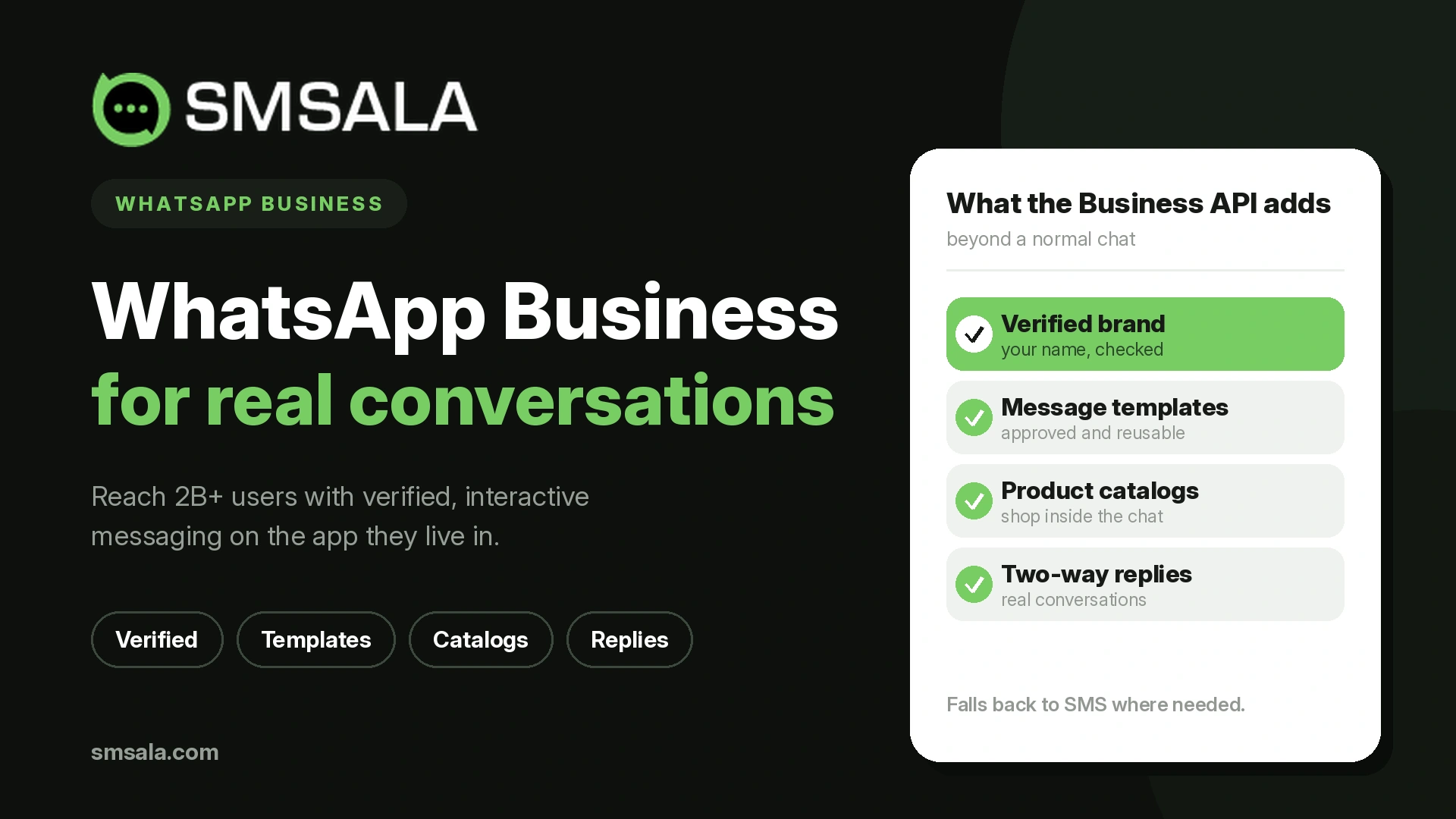
Most confusion about WhatsApp Business comes from one fact almost no one states plainly: "WhatsApp Business" is two different products that share a name. One is a free app you download to your phone. The other is a platform, reached through an API, that large teams use to send and receive messages at scale. They look similar to a customer and are completely different to run, price, and build on. Choosing the wrong one, or not realizing there is a choice, is the most common and most expensive mistake businesses make here.
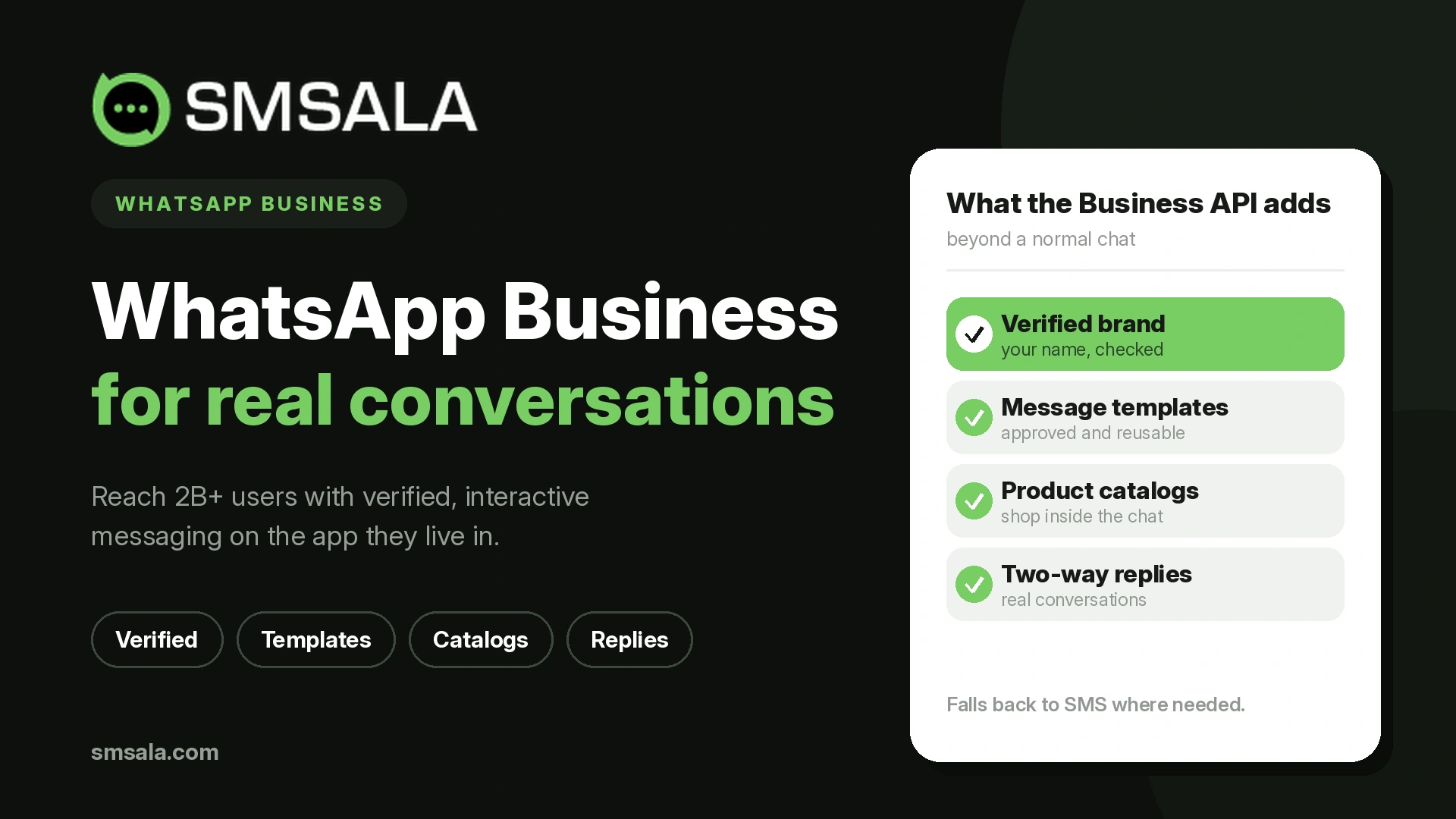
This guide separates the two cleanly, then covers the part that changed most recently and trips up almost everyone: pricing. In 2025 Meta rebuilt how WhatsApp charges businesses, and most of the advice still circulating online describes a model that no longer exists. By the end you will know which version fits you, what it actually costs today, how to set it up, the rules that govern every message, and where it earns its place next to SMS.
Two products, one name
Before anything else, settle which WhatsApp Business you mean.
The WhatsApp Business App is a free download aimed at a single owner or a small team running one phone. It adds a business profile, catalog, quick replies, away messages, and basic broadcast lists on top of ordinary WhatsApp. There is no coding, no monthly fee, and no way to plug it into other software in any serious way.
The WhatsApp Business Platform, which everyone refers to by its access method as "the API," is built for medium and large organizations that need many agents, automation, and integration with their own systems. It has no app of its own. You reach it through a Business Solution Provider (BSP) whose dashboard or code you use to send messages, run chatbots, and connect WhatsApp to a CRM.
WhatsApp Business App | WhatsApp Business Platform (API) | |
Best for | Solo owners, small shops | Medium to large teams, high volume |
Cost | Free | Per-message charges plus a BSP fee |
Users | One phone, a few linked devices | Many agents through a shared inbox |
Automation | Basic quick replies and away messages | Full chatbots, workflows, triggered messages |
Broadcasting | Limited lists, only to people who saved your number | Template messages to large opted-in lists |
Integration | Minimal | CRM, e-commerce, helpdesk, and more |
How you use it | The app itself | A BSP dashboard or your own software |
Setup | Download and go | BSP onboarding and Meta verification |
A simple rule of thumb: if one person answers your messages from one phone, the app is enough. The moment you need several people replying, automated messages triggered by events, or WhatsApp data flowing into other tools, you have outgrown the app and need the platform.
The rest of this guide focuses on the platform, because that is where the real decisions, costs, and capabilities live.
What the API actually is
The WhatsApp Business Platform is not a program you install. It is a set of endpoints that let approved software send and receive WhatsApp messages on your behalf. Because Meta does not sell direct access to most businesses, you go through a BSP, which handles the connection to Meta, gives you an interface, and bills you.
There are two technical flavors, and the choice is mostly made for you now.
Cloud API is hosted by Meta itself. Setup is fast, there is nothing to maintain, and Meta handles updates and uptime. This is the default for almost everyone today.
On-Premises API was self-hosted by the business or its provider, chosen historically for strict data-residency needs. Meta has been winding this down in favor of the Cloud API, so new deployments should assume Cloud unless a specific regulatory requirement dictates otherwise.
Whichever you use, a few components always appear: a verified Meta Business account, a dedicated phone number reserved for the API, pre-approved message templates for anything you send first, and a display name that goes through Meta review. The BSP ties these together so your team never touches raw code unless it wants to.
Setting it up, step by step
Getting on the platform is more involved than downloading an app, but it is predictable. The sequence looks like this.
Choose a BSP. This decides your interface, your support, your integrations, and part of your cost. Weigh it as carefully as the platform itself.
Prepare a Meta Business account. You need admin access to a verified Meta Business Manager. Business verification may require registration documents.
Reserve a dedicated phone number. It must be a number not currently active on any WhatsApp account, because it becomes your API line. Numbers already tied to the consumer app or the Business app have to be migrated or replaced.
Register and verify. Submit your business details and display name for Meta review. Approval commonly takes anywhere from a day to a few days, longer if documents need checking.
Create and submit templates. Any message you send to open a conversation must use a pre-approved template in a set category. Submit these early, since they also go through review.
Connect your systems. Link the platform to your CRM, e-commerce, or helpdesk so messages can be triggered and logged automatically.
Test, then scale. Start with a small volume to confirm delivery and template behavior before running full campaigns.
The step most teams underestimate is templates. Because you cannot freely message a customer who has not messaged you first, your templates are the backbone of everything proactive, and getting them approved and well written is real work, not a formality.
The rules that govern every message
WhatsApp is not SMS with pictures. It runs on a permission model that shapes what you can send, when, and to whom. Understanding these rules prevents the most common failures.
The 24-hour customer service window. When a customer messages you, a 24-hour window opens during which you can reply freely with any content, no template required. Once it closes, you can only re-open contact with a pre-approved template. This window is the hinge the whole system turns on.
Templates and categories. Any message you send outside an open window, or to start a conversation, must be a template Meta has approved, and every template belongs to a category: marketing, utility, or authentication. The category is not cosmetic. It determines both whether the message is allowed and what it costs.
Explicit opt-in. You must have the customer's consent to message them on WhatsApp, collected clearly. Importing a cold list and blasting it, the way some businesses treat SMS, violates the rules and gets numbers blocked quickly.
Quality rating and messaging limits. Meta scores each number's quality based on how recipients react, shown as green, yellow, or red. Poor reactions, blocks, and reports drag the rating down and can cap or suspend your sending. Messaging limits also start modest and rise in tiers as you send good-quality traffic to more unique users, so you earn scale rather than buying it outright.
Taken together, these rules reward businesses that message people who want to hear from them and punish those who treat WhatsApp like a bulk broadcast channel. That is the opposite instinct from traditional bulk SMS marketing, and it is the single biggest adjustment SMS-first teams have to make.
What WhatsApp Business costs now
Here is the part almost every older article gets wrong. On 1 July 2025, Meta replaced its old conversation-based pricing with a per-message model. The previous system charged per 24-hour conversation and gave businesses 1,000 free service conversations a month. That system is gone. Advice built on it is outdated.
Under the current model, you are charged per message delivered, and the price depends on two things: the message category and the recipient's country. There are four categories.
Category | What it covers | How it is charged |
Marketing | Promotions, offers, launches, re-engagement | Paid, and the highest rate |
Utility | Order updates, account and transaction notices | Free inside an open 24-hour service window, paid outside it |
Authentication | One-time passcodes and login verification | Paid, at a lower rate, with a separate international rate in some markets |
Service | Replies to customer-initiated chats within the 24-hour window | Free |
Two consequences matter. First, customer service on WhatsApp is now effectively free, because service messages inside the window carry no charge. Second, marketing is where the cost sits, so a program that leans on genuinely useful utility and service messages runs far cheaper than one that leans on promotions.
There is also a free entry point. When a customer starts a conversation by tapping an ad that clicks to WhatsApp or a call-to-action button on your Facebook Page, you get a 72-hour window in which that conversation is free. Businesses that drive first contact through these entry points cut cost meaningfully.
Rates vary widely by country and Meta revises them periodically, so treat any figure as a snapshot rather than a fixed price. As an illustration, in India marketing messages have run under one rupee each while utility and authentication messages cost a small fraction of that. The reliable way to compare is to price your real mix of categories and destination countries rather than trust a single headline number. Because published rates move, checking the latest WhatsApp Business API pricing before you commit is worth the few minutes.
One more line item people forget: Meta's per-message charge is not the whole bill. Your BSP adds its own fee, which may be a monthly subscription, a per-message markup, setup costs, or a bundle of those. When you compare providers, add the BSP fee to Meta's charges to see the true cost.
Sending at scale without getting blocked
Businesses coming from SMS often expect WhatsApp to behave like a bulk channel where you upload a list and send. It does support large-scale outbound messaging, but on its own terms, and treating it like SMS is how accounts get throttled.
Broadcasting on the platform means sending a pre-approved marketing or utility template to a list of people who have opted in, not to a bought or scraped database. Every recipient must have consented, the message must match its approved template, and your quality rating governs how many unique users you can reach in a day. Send relevant messages to people who want them and your limits climb through the tiers. Send unwanted messages and blocks pile up, your rating falls, and your reach shrinks.
This is why the channels are complementary rather than interchangeable. SMS still wins for reaching anyone instantly without an app, which keeps it the backbone of bulk SMS and time-critical alerts. WhatsApp wins for richer, two-way conversations with an audience that has opted in. Many businesses use both, and coordinating them well is really just mass communication routed through whichever channel each message suits. The same logic extends to a full omnichannel messaging setup where email, SMS, and WhatsApp each carry the messages they are best at.
Connecting WhatsApp to your CRM and stack
The platform's real advantage over the app is integration, and this is where most of its return comes from. When WhatsApp connects to your other systems, messages stop being manual and start being triggered by what customers actually do.
Wiring WhatsApp into a CRM means every conversation is logged against the right contact, your team sees full history in one place, and messages fire automatically from events: an order ships, a payment is due, a lead fills a form, an appointment approaches. This is the difference between WhatsApp as a chat app and WhatsApp as part of your operations. The same pattern that businesses build with a CRM and text messaging applies here, extended to WhatsApp's richer format.
Automation compounds the effect. A chatbot on WhatsApp can answer routine questions, qualify leads, and route conversations to a human only when needed, which turns two-way messaging from a staffing cost into something that scales. Broader automation handles the repetitive flows, from onboarding sequences to reminders, without anyone sending them by hand. Because WhatsApp supports rich media, these automated conversations can include images, documents, buttons, and product catalogs rather than plain text.
Where WhatsApp Business delivers
WhatsApp earns its cost wherever a conversation, rather than a one-way blast, moves the outcome. A few patterns recur across industries.
Function | How WhatsApp is used |
Customer support | Two-way help inside the free service window, with history retained |
Sales and lead nurture | Conversations from ad click-throughs, catalog sharing, guided buying |
E-commerce | Order confirmations, shipping updates, abandoned-cart recovery, returns |
Authentication | One-time passcodes and login verification as an alternative to SMS |
Appointments and services | Booking confirmations and reminders with reply-to-reschedule |
Finance and insurance | Payment and renewal reminders, statements, secure notifications |
Travel and hospitality | Itineraries, check-in details, real-time change alerts |
Two threads run through these. First, the highest-value uses are often conversational or utility-driven rather than promotional, which also happens to be the cheapest way to use the platform. Second, WhatsApp is strong for verification and reminders that many businesses still send only over SMS, and running one-time passcodes or reminders across both channels gives you a fallback when one does not reach.
Choosing between WhatsApp, SMS, and RCS
No single channel is best for everything, and the smart move is to match each message to the channel that carries it best.
Use WhatsApp for two-way conversations, media-rich interactions, and audiences who have opted in and use the app. Use SMS when you need to reach anyone instantly with no app, no account, and no opt-in friction, which is why it remains unmatched for urgent alerts and for the broad reach behind SMS marketing and two-way messaging at scale. Keep an eye on RCS, which brings branded, interactive messaging to the native inbox on Android and now iPhone, and increasingly overlaps with what WhatsApp offers for businesses whose customers prefer their default messaging app.
The practical answer for most businesses is not to choose one but to run WhatsApp for conversations and SMS for reach, with each doing what it does best.
What trips businesses up
A handful of mistakes account for most WhatsApp Business failures, and all are avoidable.
Treating it like SMS by importing cold lists and blasting them, which triggers blocks and tanks the quality rating. Budgeting on the old conversation-based pricing and being surprised by a per-message bill. Underestimating template approval and launching with nothing to send proactively. Choosing a BSP on message price alone while ignoring its platform fee, support, and integrations. Leaning on marketing messages when utility and service messages would cost less and serve the customer better. And forgetting that opt-in is mandatory, not optional. Getting the fundamentals right, meaning consent, the right message categories, solid templates, and a well-chosen BSP, prevents nearly all of them.
A short decision checklist
Before you commit to WhatsApp Business, work through these.
Decide honestly whether you need the app or the platform, based on team size, automation, and integration needs.
If the platform, shortlist BSPs on interface, support, integrations, and total cost, not message price alone.
Confirm you have a dedicated phone number not tied to an existing WhatsApp account.
Map the templates you will need and submit them early for approval.
Build your opt-in method so every recipient has genuinely consented.
Model your cost on your real category mix and destination countries, adding the BSP fee.
Plan the CRM or system integration that will trigger and log messages.
Start small, watch your quality rating, and scale as your limits rise.
Answer these before signing anything and you avoid the expensive surprises that catch most first-time adopters.
Frequently asked questions
What is the difference between WhatsApp Business and the WhatsApp Business API?
The WhatsApp Business App is a free download for a single small business, run from one phone. The WhatsApp Business Platform, reached through the API, is for larger teams that need multiple agents, automation, and integration, and it is accessed through a Business Solution Provider rather than an app.
Is WhatsApp Business free?
The app is free. The platform is not: you pay Meta per message by category, plus a fee to your BSP. However, service replies within the 24-hour customer service window are free, so customer support on the platform can cost very little.
How did WhatsApp pricing change in 2025?
On 1 July 2025 Meta moved from charging per 24-hour conversation to charging per individual message, priced by category and country. The old allowance of 1,000 free service conversations a month ended, replaced by free service messages within the customer service window.
Can I send bulk messages on WhatsApp Business?
Yes, but only to people who opted in, using pre-approved templates, and within limits tied to your quality rating. It is not a channel for cold, purchased lists. For reaching people without opt-in or an app, SMS remains the better fit.
Do I need a Business Solution Provider?
For almost all businesses, yes. Meta does not sell direct API access to most companies, so a BSP provides the connection, the interface, and support, and handles billing. The BSP you choose shapes your cost and capabilities significantly.
Can I use my existing WhatsApp number for the API?
Only if it is freed from any existing WhatsApp account first. A number active on the consumer app or the Business app must be migrated or replaced, because the API requires a dedicated line.
Is WhatsApp better than SMS for business?
Neither is universally better. WhatsApp suits two-way, media-rich conversations with opted-in customers. SMS suits instant, universal reach without an app or opt-in. Most businesses get the best result using both for their respective strengths.
Conclusion
WhatsApp Business rewards a specific discipline: pick the right version for your size, respect the permission model, use the cheaper utility and service messages where you can, and connect the platform to the systems that should trigger your messages. Get those right and the pricing works in your favor rather than against it.
If you are moving onto the platform and want the setup, template approval, compliance, and CRM integration handled correctly from the start, that groundwork is where an experienced messaging partner saves you the costly early mistakes, so your team can focus on the conversations that matter.