
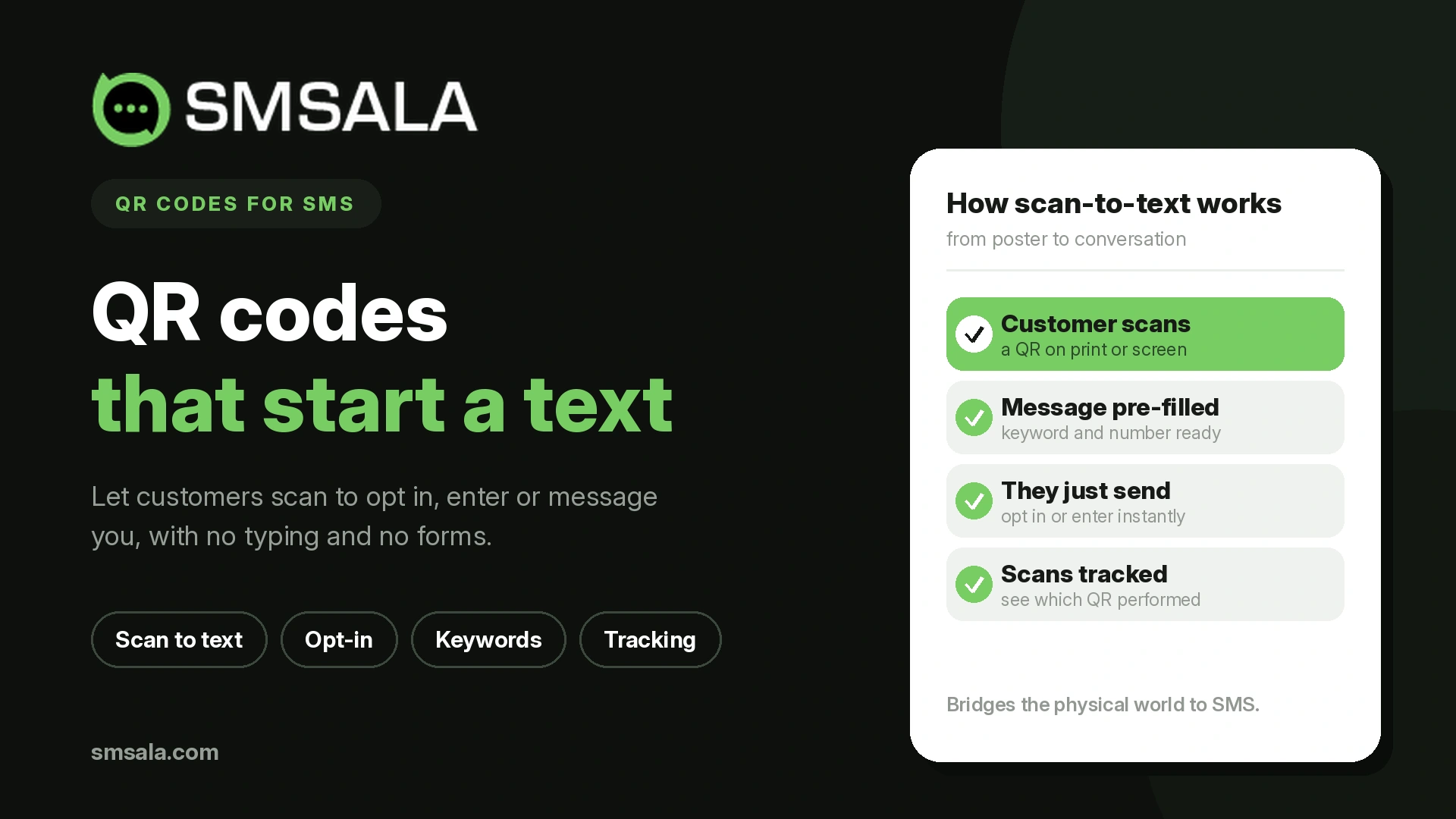
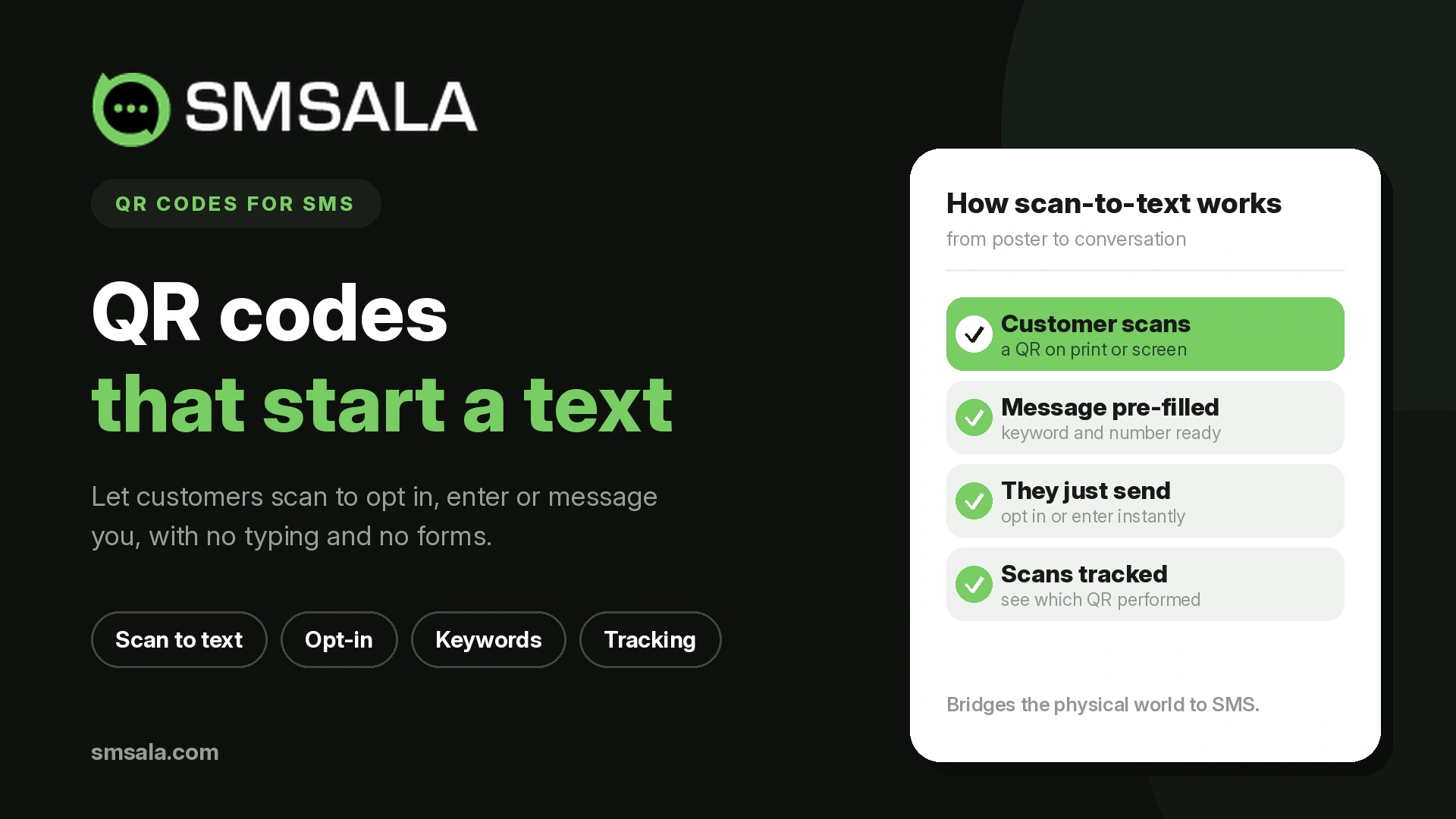
An SMS QR code has one job that no other opt-in method does as well: it collapses the distance between "I'm interested" and "I'm on your list" to a single scan. A customer looking at a poster doesn't have to remember a keyword, type a shortcode correctly, or navigate to a form. They point their camera, the message pre-fills, they hit send, and they're subscribed. That friction removed is the entire point — and it's also where most businesses get SMS QR codes wrong, because they treat the code as the goal instead of the doorway to a permission-based list.
This covers how SMS QR codes actually work under the hood (which explains why they behave the way they do), how to create one properly, where they genuinely convert, and the compliance and design details that determine whether a scan becomes a subscriber or a dead end. The mechanics are simple; the strategy around consent and placement is what separates a code that grows a list from one that just decorates a flyer.
What an SMS QR Code Actually Does
A QR (Quick Response) code is a two-dimensional barcode that stores information both horizontally and vertically, letting it hold far more than a traditional barcode. When scanned by a phone camera, it triggers an action — open a website, join a Wi-Fi network, or, in this case, compose a text message.
The key thing to understand is what an SMS QR code encodes, because it's different from a link QR code. It uses a specific format — an SMSTO: string containing a destination number and a pre-written message body. When scanned, the phone doesn't send anything automatically. It opens the messaging app with the recipient number and message text already filled in, and the user taps send themselves.
That last detail matters more than it seems. The user is the one who hits send. This is what makes SMS QR codes work cleanly for opt-in: the customer takes a deliberate action to send the pre-filled message, which is a much stronger consent signal than a passively submitted form. The scan doesn't subscribe them; their sending of the message does — and that distinction is central to using them compliantly.
How to Create One That Works
Building the code is the easy part. Building one that produces a valid opt-in takes a little more thought.
You need three things: the destination number (the shortcode or long number that receives the opt-in), the pre-filled message (usually a keyword like "JOIN" that your system recognizes as a subscription request), and a QR code generator that supports the SMS format specifically. Many generators default to URLs, so confirm it's producing an SMSTO: code, not a link.
The pre-filled keyword is doing real work. When the customer sends "JOIN," your platform receives it, recognizes the keyword, and enrolls them — the same mechanism behind keyword-based opt-ins that businesses promote on signage and ads. The QR code is simply a frictionless way to trigger that keyword without the customer typing it. Once generated, you download or print the code and place it wherever customers will encounter it.
A few build-quality points that prevent failures:
Test on multiple phones before printing. iOS and Android handle SMSTO: codes slightly differently; verify the message pre-fills correctly on both.
Keep the pre-filled message short. A long body can get truncated or look suspicious; a single clear keyword is best.
Print at adequate size with quiet space around it. A code too small or crowded won't scan reliably, especially from a distance on a poster.
Include a text instruction alongside it. "Scan to get 10% off by text" tells people what the scan does — a bare code with no context gets ignored.
Where SMS QR Codes Genuinely Convert
Placement determines everything. The same code that fills a list on a table tent flops on a billboard. Match the code to the moment.
Placement | Works because | Best for |
Point of sale / table tents | Customer is stationary, phone in hand, already engaged | List building, loyalty sign-up |
Product packaging / receipts | Post-purchase, high satisfaction moment | Reviews, reorders, support |
In-store signage / window | Captures walk-in interest | Opt-ins, promotions |
Event booths / printed programs | Captive, interested audience | Event updates, follow-up |
Print ads / flyers | Bridges physical to mobile | Campaign response |
The strongest use is list building at the point of engagement — a code where the customer is already stopped and interested (a checkout counter, a table, a product they just bought). This is where a scan-to-subscribe turns physical foot traffic into a permission-based SMS marketing list you can reach again and again.
Two other high-value uses:
Effortless support access. A code on a product, receipt, or in-store sign that opens a pre-filled support text lets a customer reach help without hunting for a number. Pairing this with two-way messaging means the scan opens a real conversation, not a dead-end.
Frictionless bookings and requests. A code that pre-fills an appointment or reservation request — scan, send, done — removes the typing barrier for booking a table, a service, or a seat.
Where SMS QR codes don't work well: anywhere the viewer is moving or distant. A code on a highway billboard or a fast-scrolling digital ad gets no scans because nobody has time to stop, aim, and send. The code needs a stationary, engaged viewer.
The Compliance Detail That Makes or Breaks It
Here's what most QR code guides skip entirely: a scan is not consent, but the sent message usually is — and getting this right is what keeps your list legal.
Because the user deliberately sends the pre-filled keyword, that action typically constitutes an opt-in request. But it's not automatically full consent to bombard them. Best practice, and often legal requirement, is a double opt-in confirmation: when their keyword arrives, your system replies asking them to confirm subscription and stating what they'll receive and how often, with clear opt-out instructions. Only after they confirm are they fully subscribed.
This matters for three reasons. It creates a documented consent record (the inbound message plus the confirmation), it sets expectations so subscribers don't feel ambushed later, and it filters out accidental or curious scans from people who don't actually want messages. Every subsequent message must still carry an opt-out. A QR code that dumps scanners straight onto a marketing list with no confirmation is a compliance risk and a fast route to spam complaints.
The clean sequence:
Customer scans the code → messaging app opens with keyword pre-filled
Customer taps send → your platform receives the keyword
Platform replies with a confirmation request stating terms and opt-out
Customer confirms → now fully subscribed, with a documented consent trail
Common Mistakes
Treating the code as the destination instead of the doorway. The goal isn't scans — it's confirmed subscribers you can message again. A code with no follow-up sequence wastes the opt-in it captured.
No context next to the code. A bare QR code gives people no reason to scan. Tell them what they get: "Scan to join and get early access to sales."
Skipping the confirmation step. Enrolling scanners without a double opt-in risks compliance problems and annoys people who scanned out of curiosity.
Placing codes where people can't stop. Moving or distant viewers don't scan. Put codes where the audience is stationary and engaged.
Never testing the print. A code that scans on screen but fails when printed too small, on a curved surface, or without quiet space is a silent failure — you won't know it's broken until you've lost the opt-ins.
Using a plain link code when you want an SMS opt-in. Confirm the generator produces an SMSTO: code, not a URL — they behave completely differently.
Bringing It Together
An SMS QR code is one of the smoothest ways to turn physical-world attention into a permission-based text list, but only when you treat the scan as the start of a consented relationship rather than an end in itself. Encode a clear keyword, place the code where customers are stopped and interested, tell them what the scan gets them, and — most important — confirm the opt-in with a double opt-in that documents consent and sets expectations. Get those right and a poster, a receipt, or a table tent becomes a steady source of subscribers.
A platform like SMSala provides the keyword recognition, automated opt-in confirmation, two-way replies, and delivery tracking that make an SMS QR code actually build a list rather than just generate scans. The code is the easy, visible part; the consented list it feeds is where the value is.
FAQ
How does an SMS QR code work?
It encodes an SMSTO: string with a destination number and a pre-written message. When scanned, the phone opens the messaging app with the number and message already filled in — usually a keyword like "JOIN." The user then taps send themselves, which triggers your platform to recognize the keyword and begin the opt-in process.
Does scanning an SMS QR code opt someone into marketing?
Not by itself. The scan only pre-fills a message; the user must deliberately send it, which counts as an opt-in request. Best practice is a double opt-in — your system replies asking them to confirm and stating terms and opt-out — so full consent is documented before you add them to a marketing list.
Where should businesses place SMS QR codes?
Where the viewer is stationary and engaged: checkout counters, table tents, product packaging, receipts, in-store signage, and event materials. These moments give people time to scan and send. Codes on billboards or fast-moving digital ads rarely work, because the audience can't stop long enough to aim their camera and send the message.
How do I create an SMS QR code?
Use a QR generator that supports the SMS format specifically (not just URLs). Provide the destination number and a short pre-filled keyword like "JOIN." Confirm it produces an SMSTO: code, then test the scan on both iOS and Android before printing, and print it at a readable size with clear space around it.
Why won't my printed SMS QR code scan?
Common causes are printing it too small, crowding it without quiet space around the edges, placing it on a curved or reflective surface, or generating a URL code instead of an SMS one. Always test the printed version on multiple phones from the actual scanning distance before deploying it at scale.