
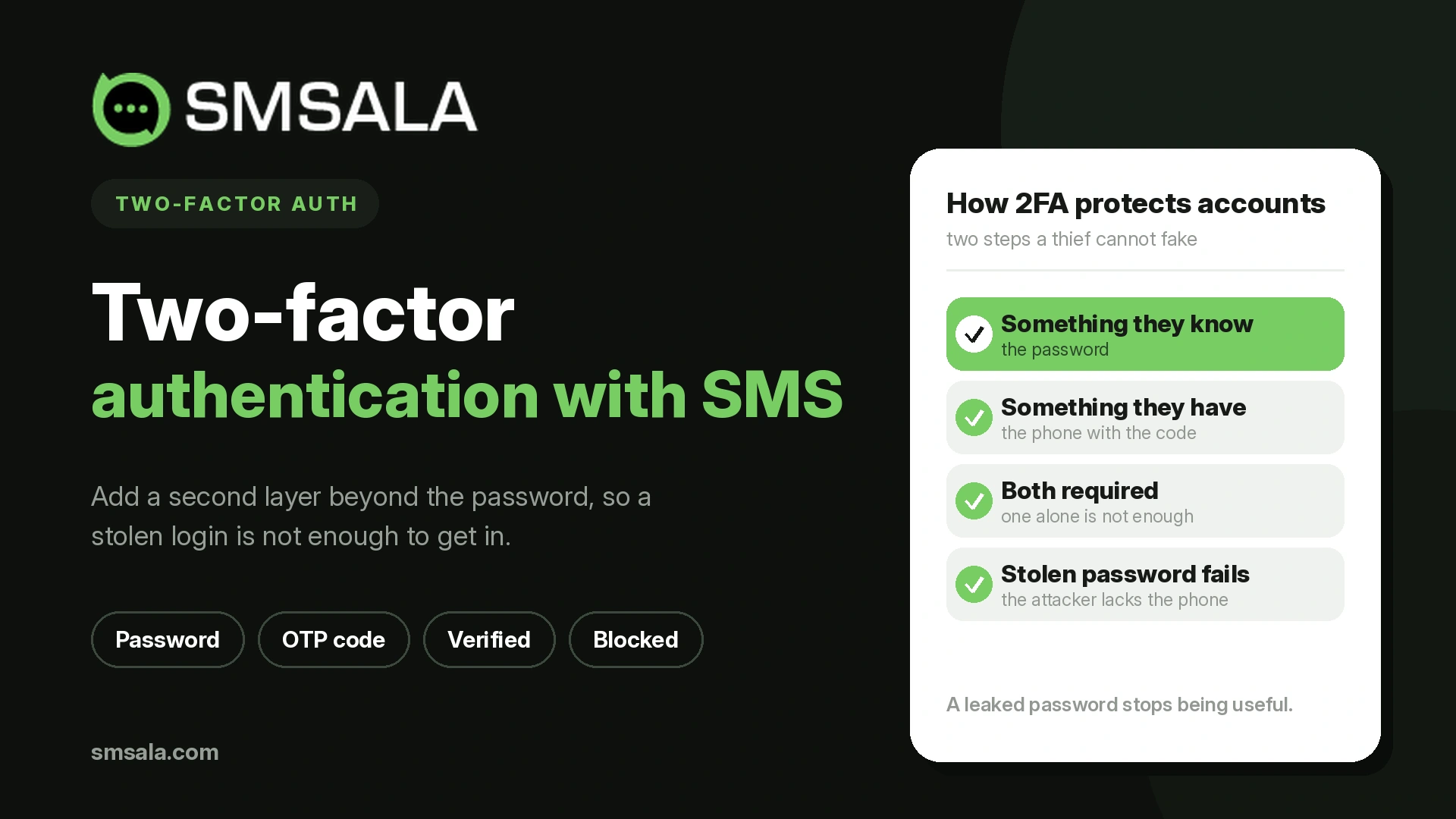
A password is a single point of failure. Once someone else knows it, whether through a leak, a guess, or a phishing page, your account is theirs. Two-factor authentication removes that single point by demanding a second, different proof of identity before the account opens. Even with the right password, an attacker is stopped at the second door.
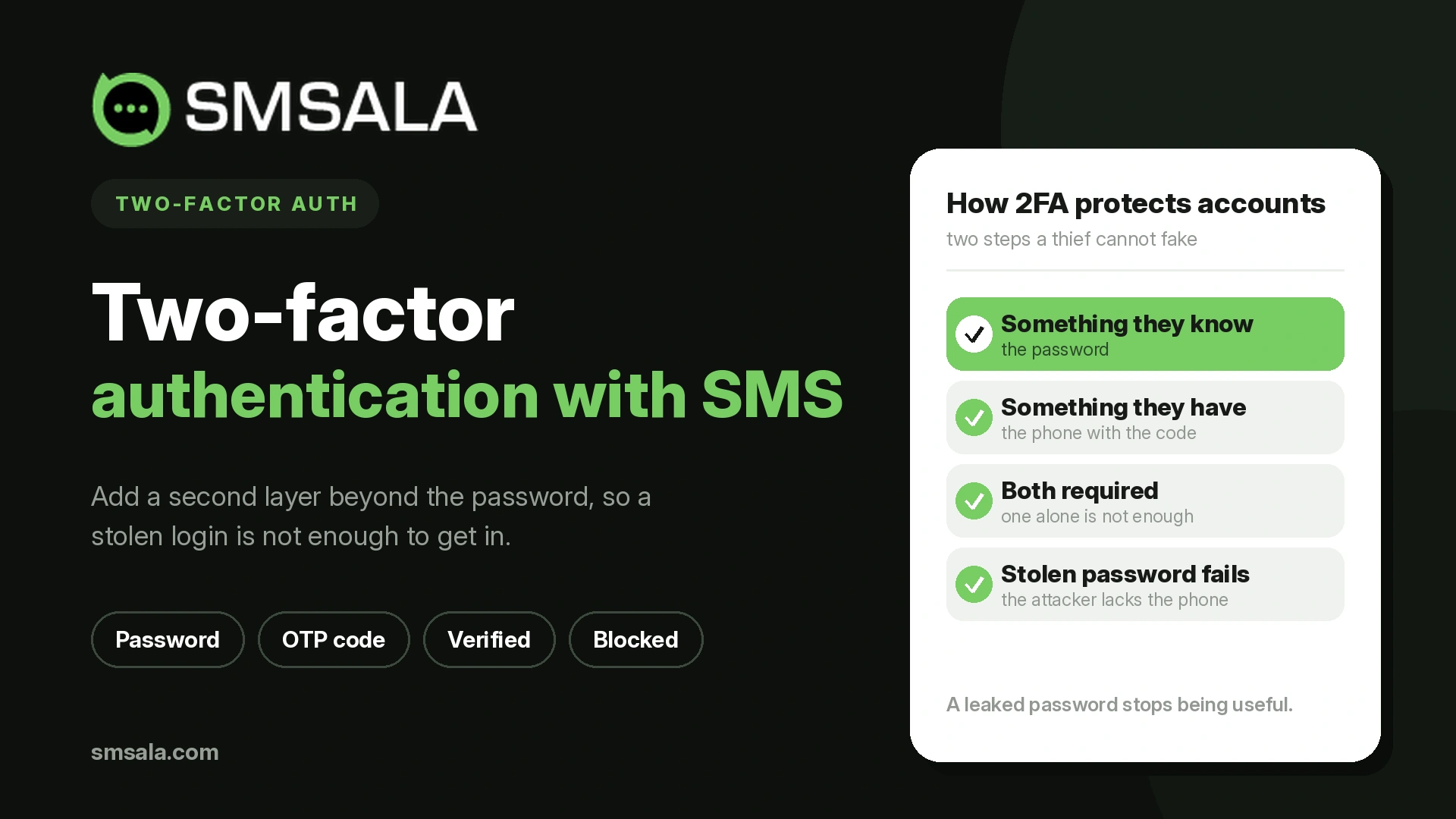
That much is settled. The decision that actually matters for a business is not whether to use 2FA, but which method to use, for which users, against which threats. The methods differ enormously in how much protection they provide and how much friction they add, and choosing badly means either weak security or frustrated users who turn it off. This guide is about making that choice well.
What counts as a second factor
Authentication factors fall into three categories, and true two-factor authentication combines two of them:
Something you know: a password, PIN, or answer to a security question.
Something you have: a phone that receives a code, an authenticator app, or a hardware key.
Something you are: a fingerprint, face, or other biometric.
The word "different" is doing the work. Requiring a password and then a security question is not two-factor authentication, because both are things you know. That is two-step verification, and it barely raises the bar, since a single phishing page can capture both. Real 2FA pairs categories, most commonly a password you know with a device you have, so that compromising one does not compromise the other.
The methods, compared honestly
Not all second factors are equal. Here is how the common ones stack up on the trade-offs that decide which fits your users.
Method | Security | Friction for the user | Reach | Notes |
SMS one-time code | Moderate | Very low | Universal, any phone | Convenient and near-universal, but the weakest of the modern options |
Authenticator app (TOTP) | Strong | Low | Needs a smartphone and setup | Codes generated on-device, not sent over a network |
Push approval | Strong | Very low | Needs the provider's app | Fast, but vulnerable to approval fatigue |
Hardware security key | Strongest | Moderate | Needs a physical key | Phishing-resistant; ideal for high-risk accounts |
Passkey / biometric | Strongest | Very low | Needs a supported device | Passwordless and phishing-resistant, adoption still growing |
No single row is the right answer for everyone. A consumer app serving millions of ordinary users has a different calculus from a bank protecting a wire transfer. The skill is matching the method to the risk, which we come back to below.
The honest position on SMS 2FA
Because SMS codes are the most widely used second factor, they deserve a straight assessment rather than a sales pitch or a dismissal.
The strengths are real. SMS reaches almost anyone, on any phone, with no app to install and nothing to configure, which is exactly why adoption is so high. For the vast majority of accounts, turning on SMS 2FA is a large security upgrade over a password alone. Google's own research found that adding a device-linked SMS code blocked all of the automated bot attacks it studied and the large majority of bulk phishing attempts, though it stopped a smaller share of targeted attacks.
The weaknesses are also real, and worth naming. An SMS code can be intercepted through a SIM-swap attack, where a criminal takes control of the victim's phone number, or through weaknesses in the older signaling networks that carry messages, the same trust gaps behind SMS spoofing. And like any code a user can read and type, it can be captured by a convincing phishing page in real time. This is why the US National Institute of Standards and Technology treats SMS as a "restricted" authenticator, permitted but discouraged where higher assurance is required.
The sensible conclusion sits between the extremes. SMS 2FA is far better than no second factor and remains the right default for reaching a broad, non-technical audience. It is not the strongest option, so accounts that protect money, sensitive data, or administrative control deserve a stronger factor layered on top. Where SMS is used, the value depends entirely on the code arriving fast and reliably, which makes OTP delivery and the underlying deliverability part of the security equation, not just the user experience. A one-time passcode that arrives five minutes late is a failed login and a support ticket.
What actually defeats two-factor authentication
2FA reduces risk sharply. It does not eliminate it, and understanding how it gets beaten tells you which method to reach for as the stakes rise.
SIM swapping hands an attacker the victim's phone number, and with it any SMS or voice codes. It targets the phone-number-based methods specifically.
Real-time phishing, sometimes called adversary-in-the-middle, uses a fake login page that relays everything to the real site as the victim types. It captures the password and the one-time code together, defeating SMS, app codes, and push in the moment.
MFA fatigue floods a user with push approval requests until they tap "approve" out of confusion or exhaustion. Number-matching, where the user types a number shown on the login screen, blunts it.
Malware on a compromised device can read codes or hijack sessions directly.
The important pattern is that any second factor the user can read and relay, a code or a tap, can in principle be phished. The methods that resist real-time phishing are hardware keys and passkeys, because they use a cryptographic exchange bound to the genuine website's address. There is nothing for the user to read out and nothing for a fake page to capture. For the highest-risk accounts, that phishing resistance, not convenience, is the deciding property.
2FA, MFA, and passwordless, briefly
The terms overlap and cause confusion. Two-factor authentication uses exactly two factors. Multi-factor authentication uses two or more, so 2FA is a subset of MFA. Two-step verification means two checks that may be the same type, which is weaker than true two-factor. Passwordless authentication removes the password entirely and relies on a possession or inherence factor, often a passkey, which can be both stronger and simpler than a password plus a code. For most businesses today, the practical goal is genuine two-factor as a baseline, with a path toward phishing-resistant, passwordless methods over time.
Match the method to the risk
Forcing the strongest, highest-friction method on every action annoys users and drives them away; using the weakest everywhere leaves your crown jewels exposed. The better approach is to scale the factor to what is being protected, an idea known as step-up or adaptive authentication.
A low-risk action such as viewing a dashboard might need only a password, or a password plus an easy factor. A sensitive action such as changing bank details, approving a payment, or accessing admin controls should trigger a stronger check at that moment. This lets you keep everyday access smooth while hardening the moments that actually matter, and it means a broad, convenient factor like SMS can guard routine logins while a phishing-resistant factor guards the dangerous ones. Layering an OTP step for fraud-sensitive actions is a common example of stepping up at the right moment rather than all the time.
The part most businesses get wrong: recovery
The fastest way to turn 2FA into a support nightmare is to ignore what happens when a user loses access to their second factor. Phones break, get replaced, and get lost. If losing a device means losing the account, your users will resist 2FA, and your helpdesk will pay for it.
Plan the recovery path before you launch. Offer backup codes at enrollment for the user to store safely. Let users register more than one factor, such as an app plus a fallback, so a lost phone is an inconvenience rather than a lockout. And design a recovery process that is genuinely secure, because account recovery is a favorite target for attackers: a weak "reset my 2FA" flow can undo all the protection the second factor was supposed to provide. Recovery is not an edge case. It is part of the security design.
Adding 2FA to your own product
If you are building 2FA into an application rather than just enabling it on your own accounts, the delivery of the factor is the engineering problem. One-time passcodes over SMS remain the most universal option for verifying users at signup and login, often backed by a voice fallback for users who do not receive the text, and delivered through a verification or SMS API that handles code generation, expiry, and retries. Screening numbers with an HLR lookup before sending can catch invalid or high-risk numbers early, and running the traffic over compliant A2P messaging keeps those time-critical codes flowing reliably. The security of the whole scheme rests on codes that arrive quickly, expire sensibly, and cannot be reused.
Frequently asked questions
Is two-factor authentication the same as two-step verification?
Not quite. Two-factor authentication requires two different types of factor, such as a password and a device. Two-step verification can use two checks of the same type, like a password and a security question, which is weaker because a single phishing attempt can capture both.
Is SMS-based 2FA safe to use?
It is much safer than a password alone and right for reaching a broad audience, but it is the weakest of the modern methods because codes can be intercepted through SIM swaps or captured by real-time phishing. Use it as a baseline, and add a stronger factor for accounts that protect money or sensitive data.
What is the most secure form of 2FA?
Hardware security keys and passkeys, because they resist phishing. They use a cryptographic exchange tied to the real website's address, so there is no code for a fake page to steal. They are the right choice for high-risk and administrator accounts.
Can two-factor authentication be hacked?
It can be bypassed in specific ways, including SIM swapping, real-time phishing that relays codes, and overwhelming a user with push requests. It still blocks the overwhelming majority of attacks, which is why it is essential, but for the highest stakes you want phishing-resistant methods.
What happens if a user loses their phone?
That is why recovery planning matters. Provide backup codes at setup and let users register more than one factor, so a lost device does not lock them out. Make sure the recovery process itself is secure, since attackers often target it.
The takeaway
Two-factor authentication is one of the highest-value security steps a business can take, but its worth is decided by the method, not the label. Combine two genuinely different factors, be clear-eyed that SMS is a strong default rather than the strongest option, reserve phishing-resistant keys and passkeys for what truly matters, and plan recovery so security does not become a lockout. For businesses delivering verification codes to users, the quiet prerequisite is that those codes arrive reliably and fast, which is where a provider such as SMSala fits: compliant, well-routed OTP delivery that lets the authentication do its job.