
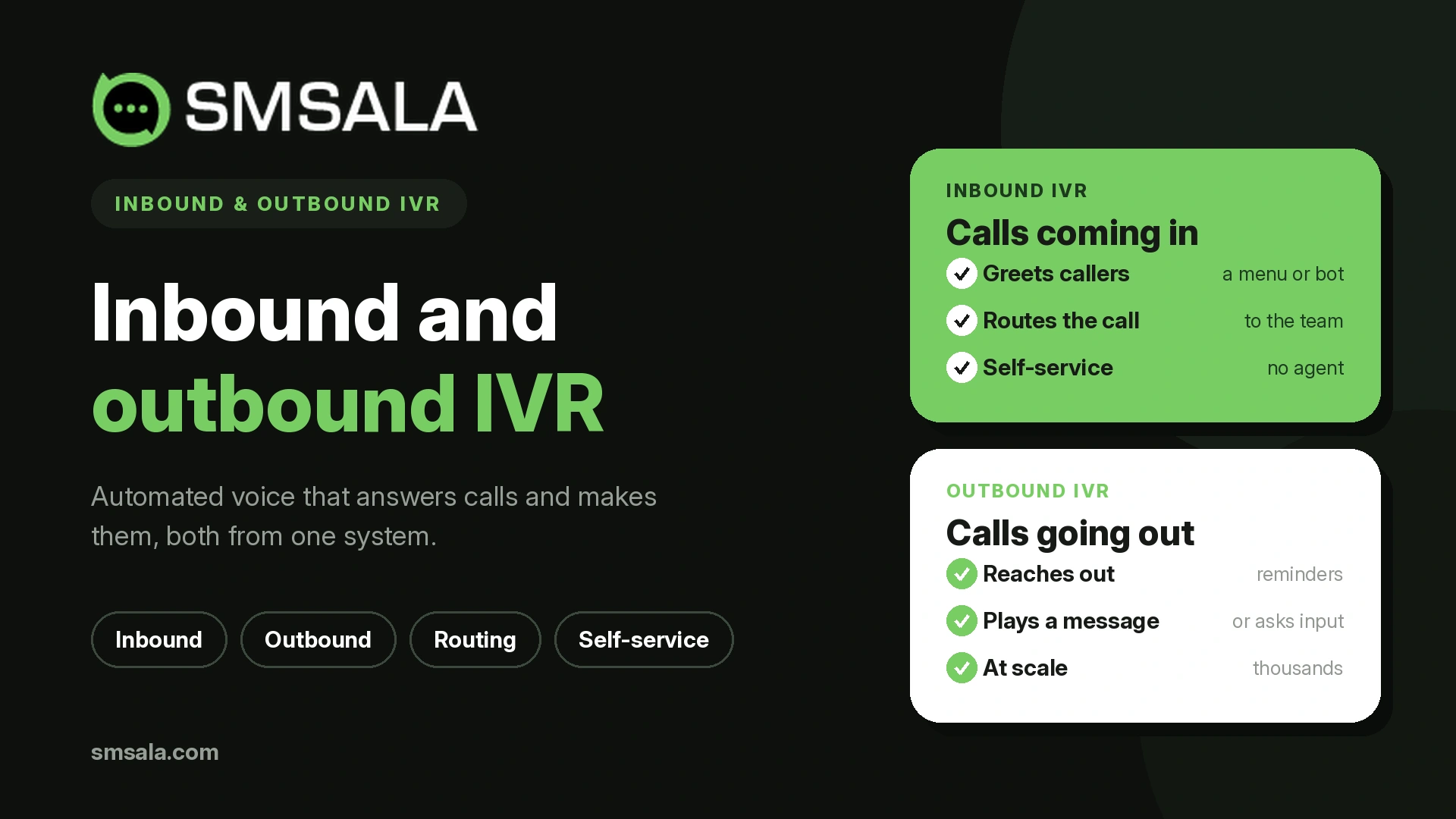
Interactive voice response, or IVR, lets an automated phone system speak to callers and act on what they press or say. It runs in two directions, and those directions are not two versions of the same feature. They are two different tools that happen to share a name. Inbound IVR answers calls that come to you. Outbound IVR makes calls that go out to your customers. One is about handling demand; the other is about creating contact. They are designed differently, measured differently, and, crucially, governed by different rules.
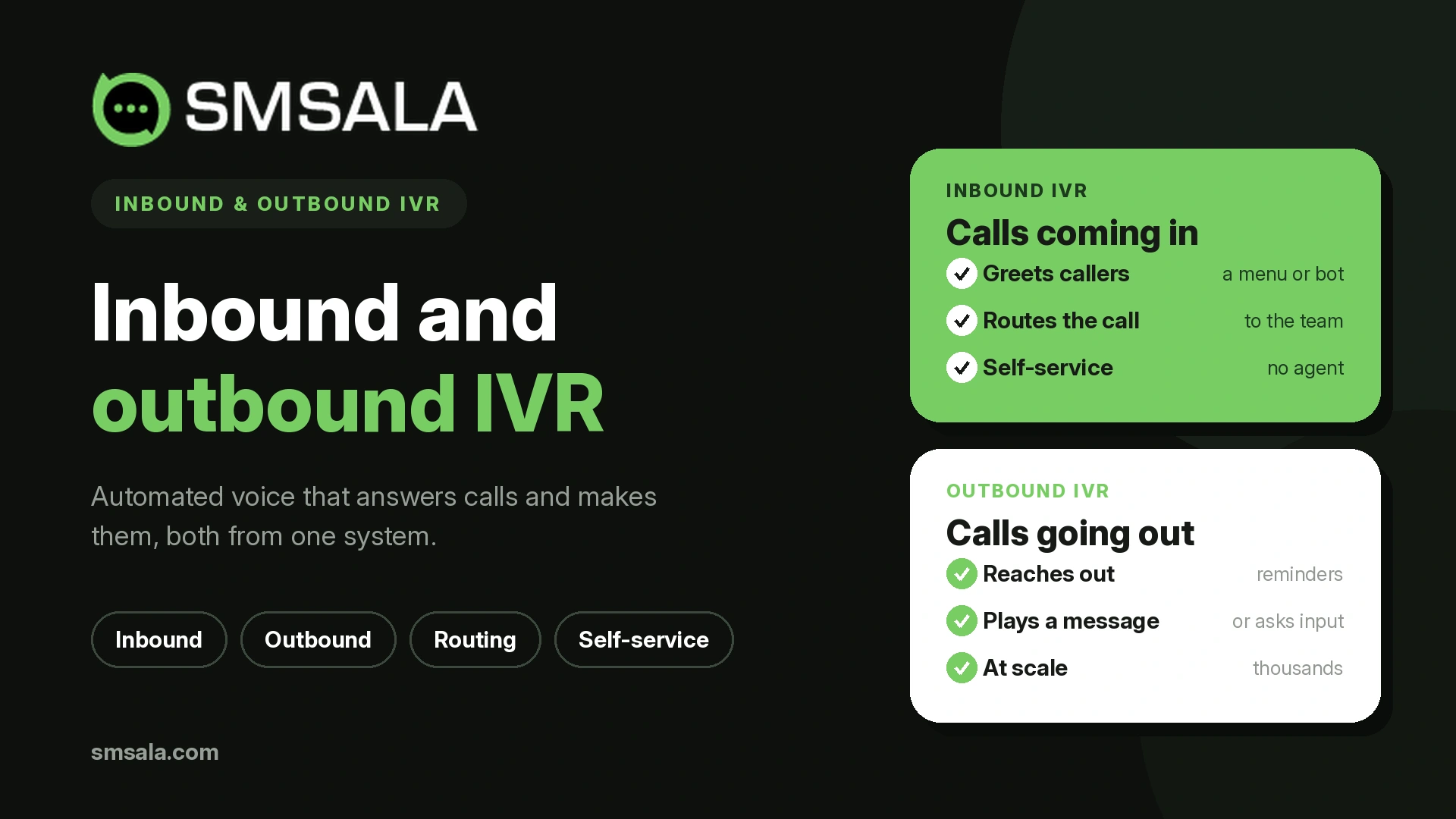
Treating them as one thing is how businesses end up with a frustrating menu on one side and a compliance problem on the other.
How IVR works, briefly
An IVR system answers or places a call, plays audio, and collects a response. For decades that response was a keypad press, captured as a touch-tone signal the system interprets, which is why "press 1 for sales" became the sound of automated phone service. Modern IVR adds speech recognition, so callers can say what they need in words, and the newest systems use conversational AI that understands natural language rather than a fixed menu. The direction of the call, though, matters more than the input method, so start there.
Inbound IVR: the caller comes to you
Inbound IVR answers incoming calls and either resolves them or sends them where they belong. It is a reactive tool, working with your call routing to identify why someone called and act on it. Done well, it handles the routine without a human: checking an order status, paying a bill, hearing account hours, resetting something simple, or reaching the right department on the first try. Its value is deflection and speed, answering instantly at any hour and reserving live agents for the calls that genuinely need them.
The catch is that inbound IVR has earned a bad reputation, and usually deserved it. Nothing frustrates a caller like a deep menu that never lists their problem and offers no way out.
Designing inbound IVR that people don't hate
The difference between a helpful IVR and an infuriating one is design, not technology. A few principles do most of the work.
Keep menus shallow. Every layer of "press 1, then press 4, then press 2" loses people, so aim for a few clear options and avoid nesting more than a level or two deep. Put the most common reasons for calling first, since ordering options by real call volume rather than by org chart gets most callers to the right place immediately. Always offer a path to a human, because trapping someone with no way to reach a person is the single fastest way to lose their trust, and a simple "press 0 to speak to someone" relieves the pressure even for callers who never use it. Eliminate dead ends, so that every branch leads somewhere useful, never to a message that repeats and hangs up. And offer a callback when the wait is long, letting the caller keep their place without holding. Where a question is better answered without a call at all, pointing callers to self-service or a chatbot can resolve it before it ever reaches the phone tree.
The test is simple: would you, as a customer, be relieved or annoyed to reach this menu? Design until the answer is relieved.
Outbound IVR: you go to the caller
Outbound IVR reverses the flow. The system places calls to your customers and plays an interactive message, collecting responses where needed. It is proactive, and it scales a voice touch to thousands of people without a human dialing each number. Common uses include appointment and payment reminders, delivery and service notifications, emergency or outage alerts, automated surveys, and delivering a voice OTP to users who cannot receive a text. It overlaps with, but is more interactive than, a simple voice broadcast, because the recipient can press or speak to confirm, reschedule, or opt out. For reminders and confirmations it often pairs with, or substitutes for, promotional voice calls and other proactive outreach.
Because outbound IVR reaches people who did not choose that exact moment to hear from you, it carries an obligation the inbound side does not.
The rules outbound IVR must follow
This is the part that gets skipped and the part that gets businesses fined. Automated and prerecorded voice calls are heavily regulated, more tightly in some respects than text. In the United States, the TCPA requires prior express consent to place autodialed or prerecorded calls to a mobile number, and for marketing calls specifically, that consent must be prior express written consent. Calls are also restricted to reasonable local hours, telemarketing must respect Do-Not-Call registrations, and every campaign needs a clear, working way to opt out. Similar consent and privacy rules apply in other regions.
Two practical implications follow. First, an outbound IVR campaign is only as compliant as the consent behind the list, so a number you have for one purpose does not automatically permit automated calls for another. Second, respect the recipient's experience: use answering-machine detection so a live message is not wasted on voicemail, keep the message short and identify yourself immediately, and make opting out effortless. Treat outbound IVR as something you have earned permission to do, not something you are entitled to do.
Inbound and outbound at a glance
Inbound IVR | Outbound IVR | |
Who starts the call | The customer | Your system |
Purpose | Self-service and routing | Reminders, alerts, surveys, outreach |
Design focus | Menu clarity and a path to a human | Consent, timing, and a clean opt-out |
Key metric | Self-service (containment) rate | Contact and completion rate |
Main risk | Frustrating the caller | Regulatory non-compliance |
The table makes the point plainly: the same technology, pointed in opposite directions, becomes two jobs with different priorities.
IVR or SMS? Choosing the channel
Voice is not always the right answer. A silent, scannable text is often better for a routine reminder someone can read at their convenience, while a voice call suits urgent alerts, callers who prefer or need phone contact, and interactions like paying by phone or delivering a code aloud. Many businesses use both deliberately: an outbound reminder as a text message first, with an IVR call as escalation for the ones that go unanswered, or IVR for the call and a text to confirm the outcome. Delivering these through a single voice call API alongside your messaging keeps the two coordinated rather than competing.
Measuring each direction
The two sides answer to different numbers. For inbound, watch the self-service or containment rate, the share of calls resolved without an agent, along with transfer rate, task completion, and abandonment, which together tell you whether the menu helps or hinders. For outbound, watch the contact rate, whether calls actually reach a live person, plus completion rate, opt-out rate, and right-party contact, which reveal whether your list and timing are sound. A rising inbound abandonment rate means your menu is failing; a rising outbound opt-out rate means your outreach is unwelcome. Reading each set honestly, ideally connected to customer records in your CRM, is what keeps either system improving.
Frequently asked questions
What is the difference between inbound and outbound IVR?
Inbound IVR answers calls that customers place to you, handling self-service and routing. Outbound IVR places calls from your system to customers, for reminders, alerts, surveys, and similar outreach. One responds to demand; the other initiates contact, and each has different design priorities and rules.
Is outbound IVR legal?
Yes, when done with proper consent. Automated and prerecorded calls are regulated, and in many regions require prior express consent, with stricter written consent for marketing. You also need to respect calling hours, honor do-not-call requests, and provide a clear opt-out. The technology is legal; using it without consent is not.
Why do people dislike IVR menus?
Usually because of poor design: menus that are too deep, options that never match the reason for calling, and no way to reach a human. Well-designed inbound IVR keeps menus shallow, lists common reasons first, and always offers a path to a person.
Can IVR use voice instead of keypad presses?
Yes. Older systems rely on keypad tones, but modern IVR supports speech recognition and increasingly conversational AI, letting callers say what they need in natural language rather than navigating a numbered menu.
Should I use IVR or SMS for reminders?
Often SMS for routine reminders people can read at leisure, and voice IVR for urgent matters, phone-preferring customers, or interactions like payments and spoken codes. Many businesses combine them, sending a text first and escalating to a call when needed.
The takeaway
Inbound and outbound IVR are worth keeping mentally separate, because getting each right means attending to different things. Inbound lives or dies by menu design and an honest path to a human. Outbound lives or dies by consent and respect for the person on the other end. Both work best when voice is coordinated with your other channels rather than bolted on alone. A provider such as SMSala that brings voice and messaging together makes it practical to answer inbound calls well, run outbound campaigns compliantly, and let each customer be reached in the way that actually suits them.